
October 28: Singapore’s cyber-response team has warned about malware distributed through compromised WhatsApp accounts, including messages apparently sent by people recipients already know. The October 27 advisory is a reminder that recognising an account is not enough to authenticate an unexpected file.
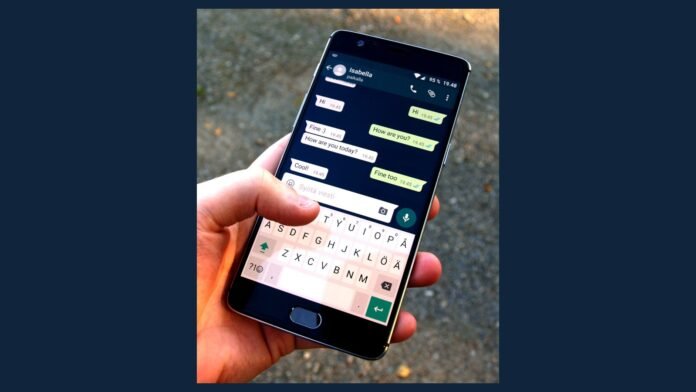
File photo: WhatsApp on a smartphone, August 2016. Santeri Viinamäki / Wikimedia Commons, CC BY-SA 4.0. Resized with side padding; not a malware sample. Image source · Licence
Key highlights
- Attachments can masquerade as ordinary business documents.
- Compromised accounts may send similar files to contacts without their owner’s knowledge.
- Verify unexpected files through another trusted channel.
- Review linked devices and enable two-step verification.
How the chain spreads
The Cyber Security Agency of Singapore describes reports in which opening a malicious attachment was followed by unauthorised messages from the affected account. Potential consequences include credential theft and abuse of WhatsApp Web sessions. The advisory does not identify a total victim count or say that every file has identical capabilities.
The mechanism exploits a familiar habit: people tend to be less suspicious of a document sent by a colleague or relative. An existing conversation provides context, but cannot prove that the person who owns the account sent a particular attachment.
Before opening a document
| Situation | Practical check |
|---|---|
| An expected document | Check that the purpose and file type fit the conversation |
| A surprise attachment | Call the sender or use another trusted channel |
| A request to run software | Pause and verify before execution |
| A warning from your contact | Do not open the earlier file; notify workplace IT if relevant |
For businesses, a consistent process for invoices, contracts and software makes an unusual request easier to identify. A sudden change in that process deserves a check even when the sender’s name is familiar. A convincing file name or icon cannot establish that the contents are safe.
If a file has already been opened
SingCERT advises disconnecting the affected device from the network, scanning it, warning contacts and reviewing linked sessions. A workplace incident should also be reported promptly to the organisation’s security team. Use a separate trusted device for account recovery if the original device may still be compromised.
WhatsApp’s own security guidance describes two-step verification and other account-protection features. Encryption protects communications in transit; it does not make a malicious attachment safe to execute on a device.
What to watch
Check the official advisory for revised instructions or added indicators. The useful immediate habit is to authenticate the request as well as recognise the account. A brief phone call before opening an unexpected document can interrupt the trust-based chain described by SingCERT.
Sources
- Cyber Security Agency of Singapore: Advisory on Malware Campaigns Spreading Through WhatsApp
- WhatsApp: Security features, safety tools and tips

The Tech Desk covers technology, artificial intelligence and cybersecurity. Stories are checked against at least two credible sources before publication.